


THE TECHNOLOGY IN CONTEXT


Your Outlook calendar already has the answer. Now everyone outside the room can see it at a glance.
Your team already knows how to schedule meetings. They select an available conference room in Outlook just as they always have. Evoko adds a beautiful display outside the room that makes reservation status immediately visible. No new scheduling process. No learning curve.
IT provisions the meeting-room resource in your existing Outlook/Exchange environment and connects the Evoko display. Your team continues booking meetings in Outlook—no separate scheduling process to learn.
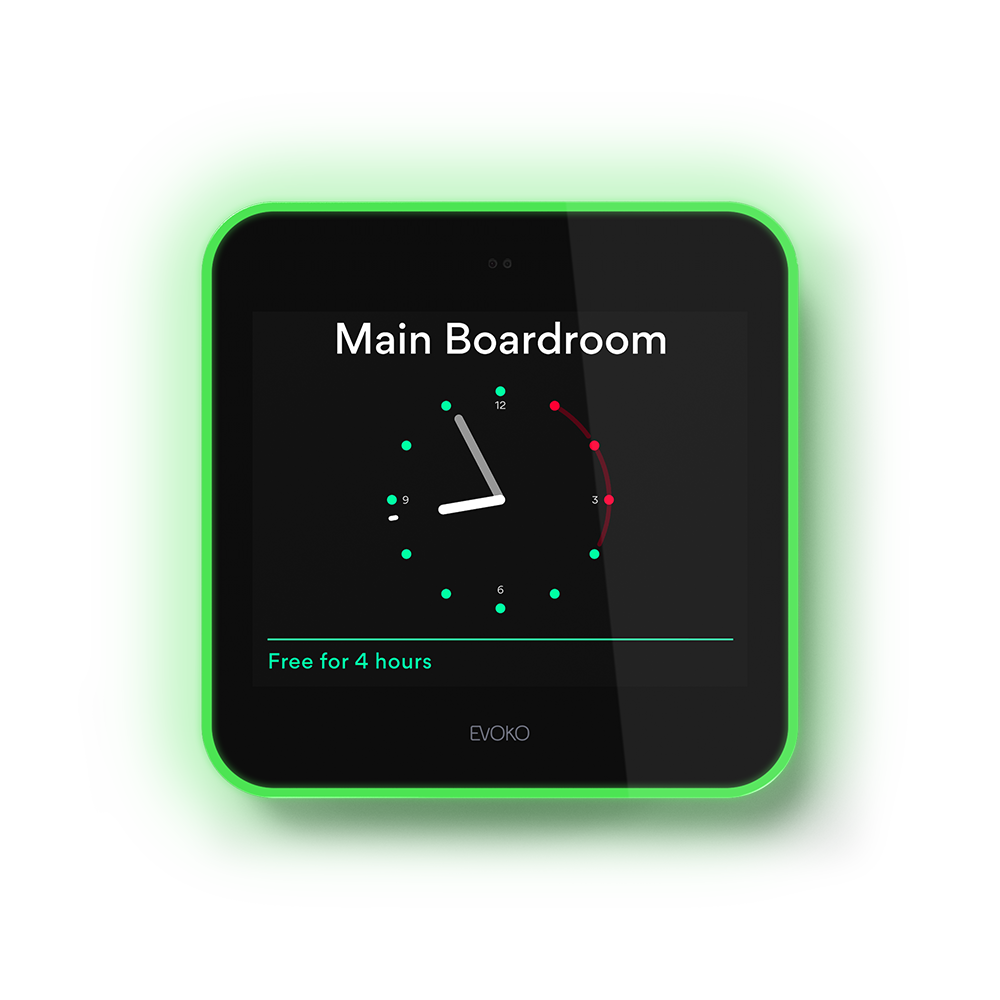
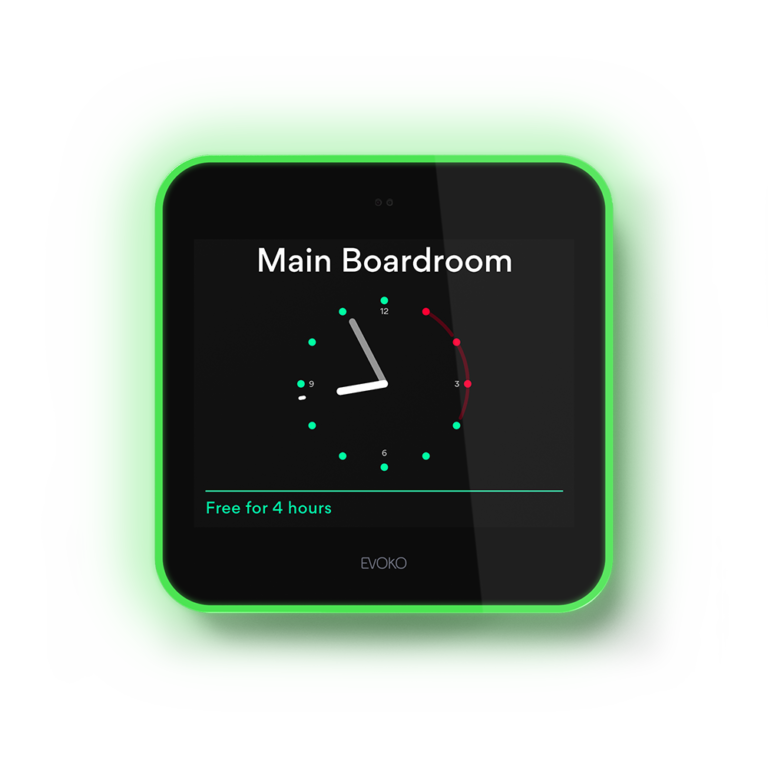
People in the hallway can see that the room is free without opening the door or checking a calendar.
The room’s calendar reservation is reflected on the display. People know not to interrupt a scheduled meeting.
For an unexpected conversation, use instant ad hoc booking directly from the room display. Planned meetings still belong in Outlook.
The room is scheduled in Outlook as usual. Evoko displays availability outside the door. Green means free; red means reserved. When an unscheduled meeting starts, a quick walk-up booking handles it.
Evoko Naso and Liso make calendar availability visible where it matters: at the conference room entrance. We focus the solution on clear red/green status and instant walk-up reservations, not a long list of functions nobody uses.
Optional desk-reservation capabilities can be discussed when a project specifically calls for them.
A clear, illuminated room-status display with instant walk-up booking.
A discreet, elegant way to see calendar availability at the room entrance.